AI LinkedIn Headline Generator - Headlines That Get You Noticed
Craft attention-grabbing LinkedIn headlines that showcase your expertise and value. Our AI creates professional headlines optimized for searchability and engagement.
Drag & drop your file
or
PDF, Word, PowerPoint, text, or image files (max 10MB)
Need something more custom and advanced?
Every AI Tool Students and Teachers Need
Or Create Your Own
How educators and students are using Miskies AI:
Aisha K: "I generated notes from a 2-hour lecture".
Tamara R: "I created a full quiz from a textbook chapter".
James R: "I got a visual breakdown of photosynthesis".
Sofia M: "I organised all my assignments in one place".
Amy P: "I turned a video documentary into lesson notes".
Aisha K: "I generated notes from a 2-hour lecture".
Tamara R: "I created a full quiz from a textbook chapter".
James R: "I got a visual breakdown of photosynthesis".
Sofia M: "I organised all my assignments in one place".
Amy P: "I turned a video documentary into lesson notes".
No code. No complexity. Just better learning.
See It in Action
It's really that easy to study with AI tools on Miskies AI.
Building an AI tool to review an uploaded resume based on your knowledge.
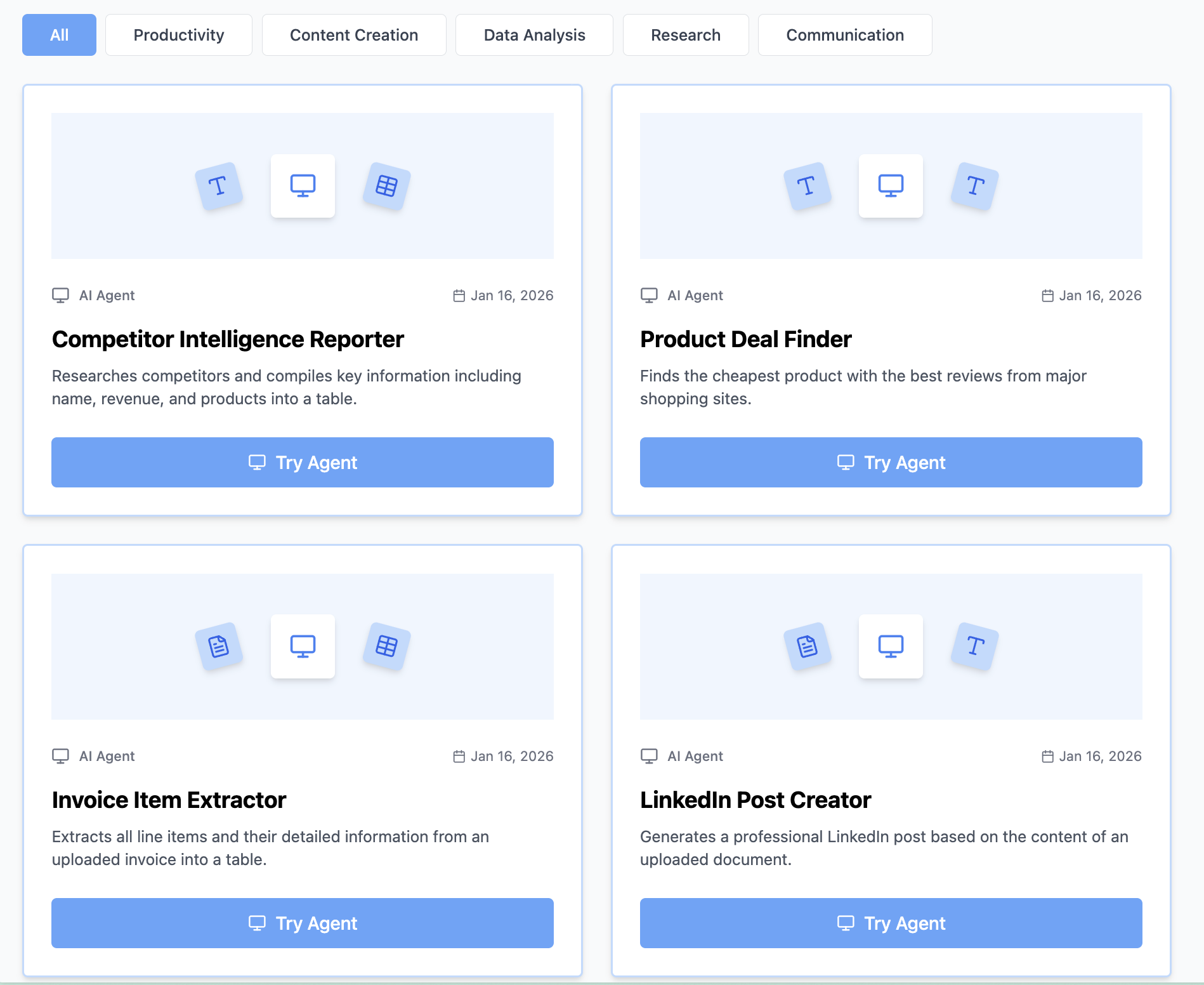
Think Miskies AI can't create the AI tool you need?
Tell us and we'll build it for you for free.
Create Your AI Tool in 3 Simple Steps
Select Your Input
Choose from docs, text, Excel, links, or any data source.
Edit the Instructions
Tweak the AI's behaviour to match your subject, grade level, or grading rubric.
Use It & Share It
Run your tool instantly and share a link with your students or colleagues.
What You Can Do With This Tool
Create LinkedIn headlines for professionals seeking career advancement
Generate profile headlines for job seekers optimizing for recruiter searches
Develop executive headlines for leadership positioning
Craft entrepreneur headlines for personal branding
Write industry-specific headlines for niche expertise
Frequently Asked Questions
How do I convert text to a linkedinHeadline?
Simply paste your text into the input field above, click the "Generate Diagram" button, and our AI will instantly create a professional linkedinHeadline. No design skills or technical knowledge required. The entire process takes just seconds.
Is this linkedinHeadline generator free?
Yes! Our AI-powered linkedinHeadline maker is completely free to use with no hidden costs, registration requirements, or usage limitations. Create as many linkedinHeadlines as you need, whenever you need them.
Can I export my linkedinHeadline?
Yes, you can easily download or copy your generated linkedinHeadline for use in presentations, documents, reports, websites, or any other materials. The output is ready to use immediately.
What makes this AI linkedinHeadline generator different?
Our AI understands context and automatically creates optimized linkedinHeadlines without requiring manual template selection or drag-and-drop design work. It's faster, smarter, and completely free compared to traditional linkedinHeadline tools. Plus, it learns from your input to create the most appropriate structure.
Do I need to sign up or create an account?
No account required! You can start creating linkedinHeadlines immediately without any registration. Just paste your text and generate your visualization instantly.
About AI LinkedIn Headline Generator - Professional Profile Headlines
Our AI-powered ai linkedin headline generator - professional profile headlines makes it easy to transform your text into professional scripts instantly. Whether you're a student, professional, or educator, our free tool helps you create engaging content without any design experience.
How to Use This LinkedinHeadline Generator
- Paste your text, notes, or description into the input field above
- Click the "Generate Diagram" button to let our AI analyze your content
- Get a professional script in seconds
- Download, copy, or use it directly in your presentations, documents, or learning materials
Why Use AI for Script Writing?
Creating engaging scripts can be time-consuming and requires writing expertise. Our AI-powered linkedinHeadline generator understands your content context and automatically generates compelling, professional scripts with proper structure, saving you hours of work while ensuring professional quality results every time.
Perfect For
- Students: Create presentation scripts and study materials quickly
- Teachers & Educators: Create engaging lesson scripts and educational content
- Business Professionals: Transform ideas into polished scripts for videos and presentations
- Content Creators: Generate video scripts and content outlines efficiently quickly for articles, videos, and social media
- Project Managers: Script presentations and stakeholder updates
Key Features of Our LinkedinHeadline Tool
- AI-Powered Intelligence: Our advanced AI understands context and creates optimal linkedinHeadlines automatically
- Instant Generation: Get professional results in seconds, not hours
- No Design Skills Needed: Anyone can create professional linkedinHeadlines, regardless of experience
- 100% Free: No hidden costs, subscriptions, or usage limits
- Export Ready: Use your linkedinHeadlines immediately in any project
- Mobile Friendly: Works perfectly on desktop, tablet, and mobile devices