Deep Text Analyzer - Understand Your Content Better
Analyze text content to extract insights such as sentiment, key themes, and important keywords. Ideal for marketers, researchers, and content creators.
Drag & drop your file
or
PDF, Word, PowerPoint, text, or image files (max 10MB)
About Deep Text Analyzer - In-Depth Content Analysis
Example: A product manager wants to analyze 50 customer support emails to understand the most common pain points before a roadmap planning session
You'd type something like: Paste of a representative support email: 'The onboarding was confusing — I couldn't figure out where to connect my calendar. Once I did, the tool worked great but I almost gave up. The help docs don't match the current UI either.'
You'd get back: A sentiment breakdown (mixed: frustrated on setup, positive on core value), top 5 keywords with relevance scores (onboarding, calendar, help docs, UI, setup), a themes summary (UX friction at onboarding, documentation lag, high product satisfaction post-setup), and 3 actionable insights like 'Prioritize onboarding flow redesign' and 'Audit help docs against current UI.'
What makes this a unique AI tool:
Goes beyond a simple positive/negative sentiment score: breaks down themes separately from keywords, and pairs every insight with an actionable implication — so you know not just what the text says, but what to do about it.
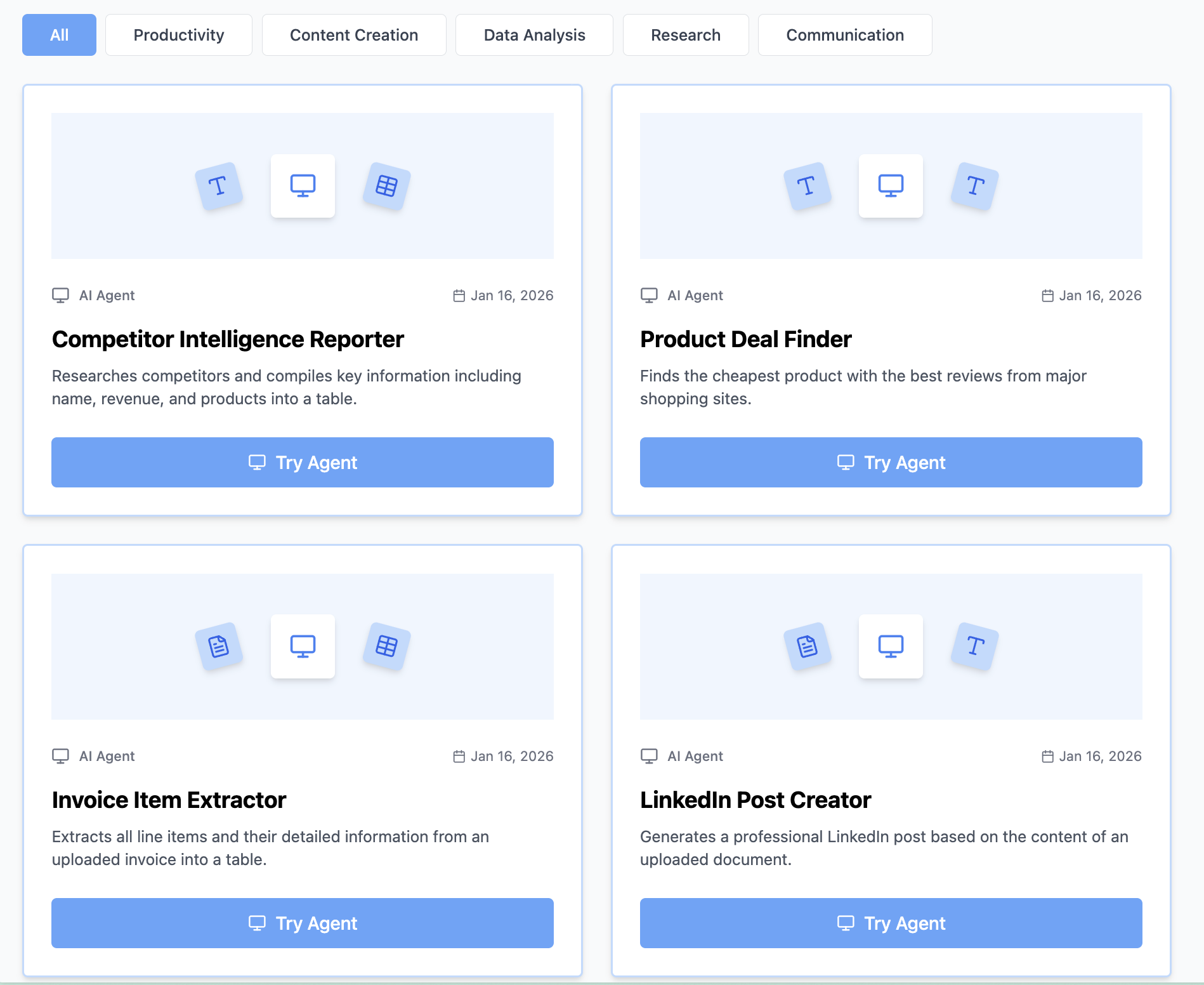
100+ AI Tools for Students and Professionals
Or Create Your Own AI Tool in Seconds
How educators and students are using Miskies AI:
Aisha K: "I generated notes from a 2-hour lecture".
Tamara R: "I created a full quiz from a textbook chapter".
James R: "I got a visual breakdown of photosynthesis".
Sofia M: "I organised all my assignments in one place".
Amy P: "I turned a video documentary into lesson notes".
Aisha K: "I generated notes from a 2-hour lecture".
Tamara R: "I created a full quiz from a textbook chapter".
James R: "I got a visual breakdown of photosynthesis".
Sofia M: "I organised all my assignments in one place".
Amy P: "I turned a video documentary into lesson notes".
No code. No complexity. Just better learning.
See It in Action
It's really that easy to study with AI tools on Miskies AI.
Building an AI tool to review an uploaded resume based on your knowledge.
Think Miskies AI can't create the AI tool you need?
Tell us and we'll build it for you for free.
Create Your AI Tool in 3 Simple Steps
Select Your Input
Choose from docs, text, Excel, links, or any data source.
Edit the Instructions
Tweak the AI's behaviour to match your subject, grade level, or grading rubric.
Use It & Share It
Run your tool instantly and share a link with your students or colleagues.
Simple pricing, serious upgrade
Start free. Go Pro whenever you want to use more. Prices in USD.
Free
Try it out, no card needed
- Access to 100+ AI study tools
- Limited use - 5 times / day
- Create limited custom AI tools
Pro — 1 month
Full access, billed monthly
- Elevated access to all AI tools
- Create unlimited custom AI tools
- Faster generation speed
- Priority support
- Cancel anytime
Pro — 3 months
Best value for a semester
- Elevated access to all AI tools
- Create unlimited custom AI tools
- Faster generation speed
- Priority support
- Cancel anytime
Pro — 1 year
Best price per month
- Elevated access to all AI tools
- Create unlimited custom AI tools
- Faster generation speed
- Priority support
- Cancel anytime
What You Can Do With This Tool
Analyze customer feedback for sentiment trends
Extract key themes from survey data
Identify important keywords in social media discussions
Gain insights from blog comments for content improvement
Understand product feedback for development priorities
Why Everyone's Using It
- Detailed sentiment analysis
- Keyword and theme extraction
- Actionable insights for content strategy
- Improves understanding of audience feedback
Frequently Asked Questions
How long can the text I paste be?
The analyzer works best on texts between 100 and 2,000 words. For very short inputs (under 50 words), results will be limited. For very long documents, consider splitting into sections and analyzing each separately for more precise theme extraction.
How is this different from a basic sentiment checker?
Basic sentiment checkers return a single positive/negative/neutral score. This tool also surfaces the specific themes driving that sentiment and the keywords carrying the most weight — so you understand why the sentiment is what it is, not just what it is.
Can I use it to analyze multiple pieces of feedback at once?
You can paste multiple short responses together (e.g. several customer reviews in one block) and the analyzer will treat them as a corpus, identifying patterns across the set. For large datasets, paste a representative sample for directional insight.
What does the 'actionable insights' section actually contain?
Concrete recommendations tied to what the analysis found — for example, if negative sentiment clusters around onboarding, the insight will suggest addressing that specifically, not generic advice. The insights are derived from the text, not templated.