Algorithm Flowchart Maker - Visualize Code Logic
Transform software algorithms, code logic, and pseudocode into professional flowcharts. Free tool for developers to create algorithm flowcharts for technical documentation, code reviews, and system design.
Drag & drop your file
or
PDF, Word, PowerPoint, text, or image files (max 10MB)
About Algorithm Flowchart Maker - Code to Flowchart Converter
Example: Documenting a binary search function
You'd type something like: "Binary search: take a sorted array and a target. Compare the middle element to the target. If equal, return the index. If target is smaller, search the left half. If larger, search the right half. Repeat until found or the range is empty, then return -1."
You'd get back: a flowchart with a loop back to the comparison step, a branch for each half of the array, and a clearly marked 'not found' exit path.
What makes this a unique AI tool:
The general Flowchart Generator is written for plain-language business processes and won't represent recursion or loop-back conditions the way developers expect. This tool is tuned specifically for code logic — use it for technical documentation, code reviews, or explaining an algorithm to teammates.
100+ AI Tools for Students and Professionals
Or Create Your Own AI Tool in Seconds
How educators and students are using Miskies AI:
Aisha K: "I generated notes from a 2-hour lecture".
Tamara R: "I created a full quiz from a textbook chapter".
James R: "I got a visual breakdown of photosynthesis".
Sofia M: "I organised all my assignments in one place".
Amy P: "I turned a video documentary into lesson notes".
Aisha K: "I generated notes from a 2-hour lecture".
Tamara R: "I created a full quiz from a textbook chapter".
James R: "I got a visual breakdown of photosynthesis".
Sofia M: "I organised all my assignments in one place".
Amy P: "I turned a video documentary into lesson notes".
No code. No complexity. Just better learning.
See It in Action
It's really that easy to study with AI tools on Miskies AI.
Building an AI tool to review an uploaded resume based on your knowledge.
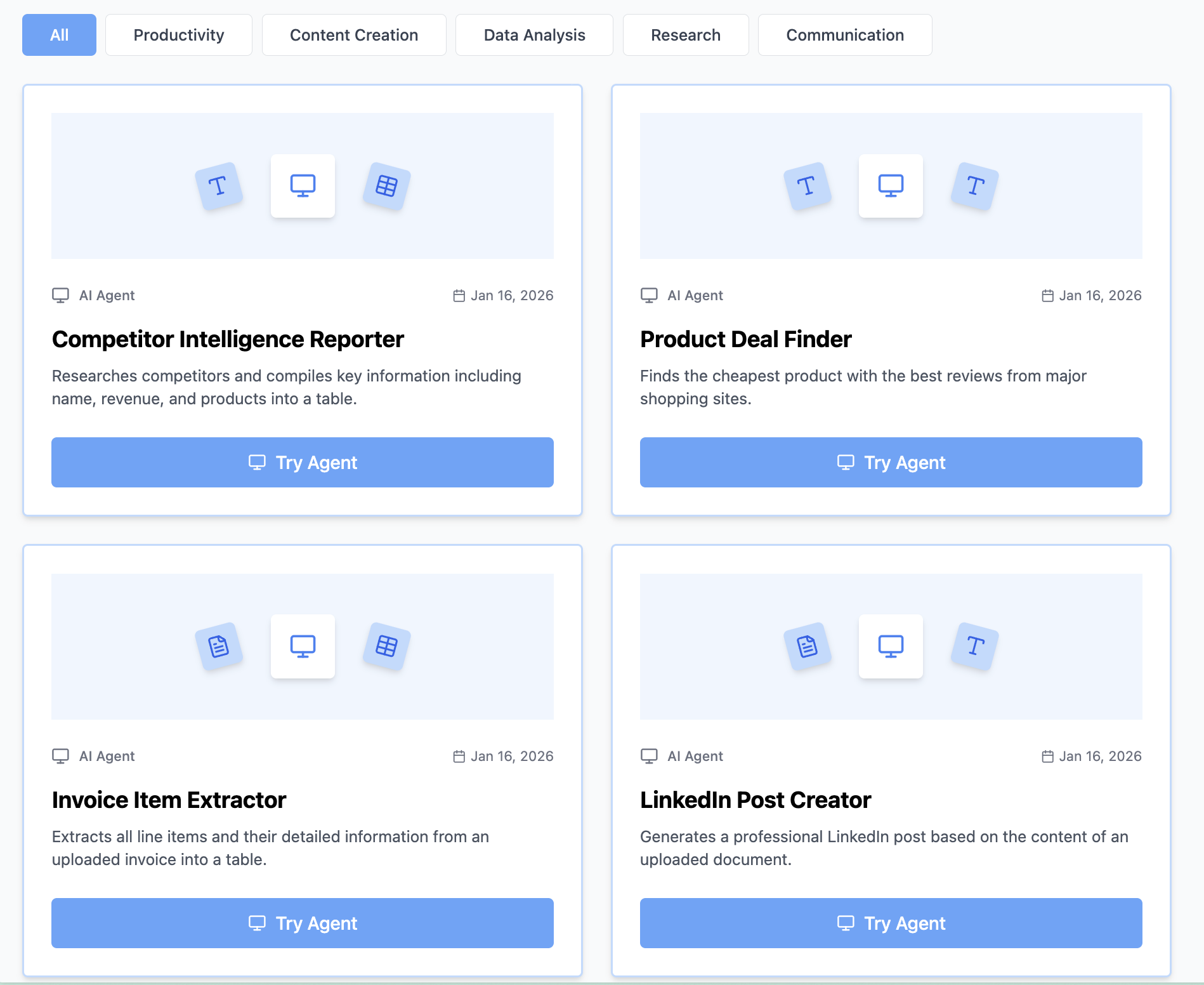
Think Miskies AI can't create the AI tool you need?
Tell us and we'll build it for you for free.
Create Your AI Tool in 3 Simple Steps
Select Your Input
Choose from docs, text, Excel, links, or any data source.
Edit the Instructions
Tweak the AI's behaviour to match your subject, grade level, or grading rubric.
Use It & Share It
Run your tool instantly and share a link with your students or colleagues.
Simple pricing, serious upgrade
Start free. Go Pro whenever you want to use more. Prices in USD.
Free
Try it out, no card needed
- Access to 100+ AI study tools
- Limited use - 5 times / day
- Create limited custom AI tools
Pro — 1 month
Full access, billed monthly
- Elevated access to all AI tools
- Create unlimited custom AI tools
- Faster generation speed
- Priority support
- Cancel anytime
Pro — 3 months
Best value for a semester
- Elevated access to all AI tools
- Create unlimited custom AI tools
- Faster generation speed
- Priority support
- Cancel anytime
Pro — 1 year
Best price per month
- Elevated access to all AI tools
- Create unlimited custom AI tools
- Faster generation speed
- Priority support
- Cancel anytime
What You Can Do With This Tool
Create algorithm flowcharts for code documentation
Visualize programming logic for team reviews
Generate flowcharts from pseudocode for planning
Document API workflows for technical specs
Convert code to diagrams for presentations
Why Everyone's Using It
- Free algorithm flowchart maker for developers
- Converts code and algorithms to visual diagrams
- Supports loops, recursion, and complex logic
- Perfect for technical documentation and code reviews
- Export flowcharts for GitHub wikis and confluence
Frequently Asked Questions
Can it show recursive function calls?
Yes — describe the recursive case and the AI adds a self-referencing arrow back to the relevant step.
Does it handle loops and iteration?
Yes, describe the loop condition (like 'repeat while i < length') and it'll add a back-arrow with the condition labeled.
Can I paste pseudocode instead of writing it out in plain English?
Yes, pseudocode works well — the AI is tuned to recognize programming structure like conditionals and loops.
How is this different from the general Flowchart Generator?
This one uses programming terminology and is built to represent loops, recursion, and error-handling paths. The general flowchart tool is aimed at business processes described in plain language.
Looking for something slightly different?
Free AI Flowchart Generator - Text to Flowchart in Seconds
A flowchart maps a process as it actually unfolds: do this, then check that, then branch left or right depending on the answer. This tool is built for exactly that — sequential steps with decision points — which makes it the right pick for almost any business process, daily workflow, or step-by-step procedure you need to document.
Free AI Tree Diagram Generator - Text to Tree Diagram in Seconds
A tree diagram shows how things branch into smaller groups — who reports to whom, what falls under what category — without implying that one thing happens before another. If your structure is really about hierarchy or grouping rather than a sequence of actions, this is the tool for it.
Free AI Decision Tree Generator - Text to Decision Tree in Seconds
A decision tree walks through a choice step by step: ask a question, follow the branch that matches the answer, ask the next question, until you land on an outcome. It's the right format for troubleshooting guides, eligibility checks, or any situation where someone needs to be guided to the correct answer based on a series of conditions.