Free AI Swimlane Diagram Generator - Convert Text to Swimlane Flowchart
Turn any process description into a structured swimlane diagram showing responsibilities across roles, teams, or systems. This AI automatically detects actors and steps, then organizes them into clean parallel lanes.
Drag & drop your file
or
PDF, Word, PowerPoint, text, or image files (max 10MB)
About Free AI Swimlane Diagram Generator - Text to Swimlane Flowchart
Example: Mapping a customer onboarding process
You'd type something like: "Sales closes deal. Customer success sends welcome email and schedules kickoff. Engineering provisions account and sets up API access. Customer completes onboarding training. Success schedules check-in."
You'd get back: a swimlane diagram with horizontal lanes for Sales, Customer Success, and Engineering, showing their parallel and sequential responsibilities across the onboarding journey.
What makes this a unique AI tool:
Specifically designed for multi-actor workflows—each swimlane represents a role, team, or system, making accountability and handoffs crystal clear.
100+ AI Tools for Students and Professionals
Or Create Your Own AI Tool in Seconds
How educators and students are using Miskies AI:
Aisha K: "I generated notes from a 2-hour lecture".
Tamara R: "I created a full quiz from a textbook chapter".
James R: "I got a visual breakdown of photosynthesis".
Sofia M: "I organised all my assignments in one place".
Amy P: "I turned a video documentary into lesson notes".
Aisha K: "I generated notes from a 2-hour lecture".
Tamara R: "I created a full quiz from a textbook chapter".
James R: "I got a visual breakdown of photosynthesis".
Sofia M: "I organised all my assignments in one place".
Amy P: "I turned a video documentary into lesson notes".
No code. No complexity. Just better learning.
See It in Action
It's really that easy to study with AI tools on Miskies AI.
Building an AI tool to review an uploaded resume based on your knowledge.
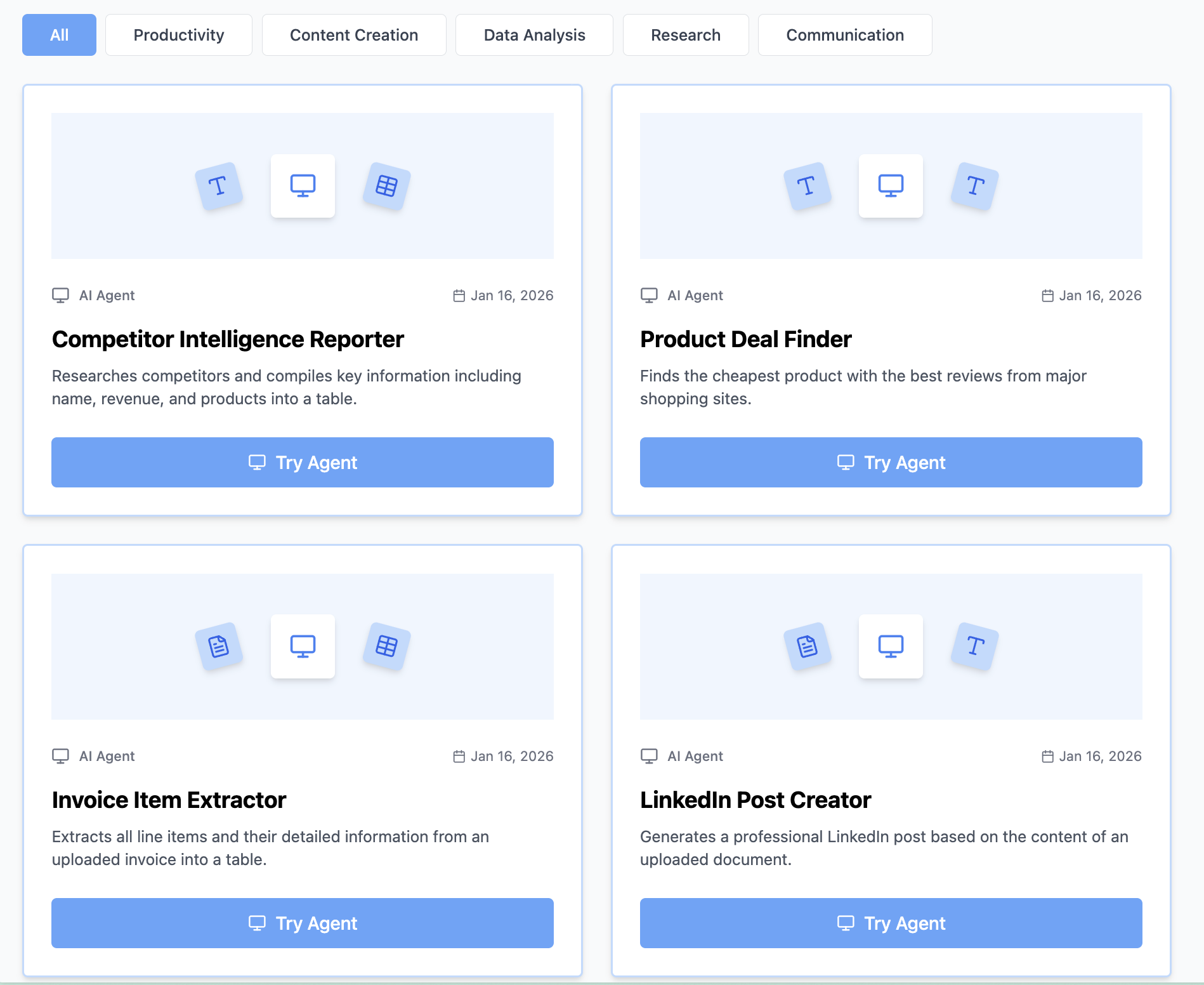
Think Miskies AI can't create the AI tool you need?
Tell us and we'll build it for you for free.
Create Your AI Tool in 3 Simple Steps
Select Your Input
Choose from docs, text, Excel, links, or any data source.
Edit the Instructions
Tweak the AI's behaviour to match your subject, grade level, or grading rubric.
Use It & Share It
Run your tool instantly and share a link with your students or colleagues.
Simple pricing, serious upgrade
Start free. Go Pro whenever you want to use more. Prices in USD.
Free
Try it out, no card needed
- Access to 100+ AI study tools
- Limited use - 5 times / day
- Create limited custom AI tools
Pro — 1 month
Full access, billed monthly
- Elevated access to all AI tools
- Create unlimited custom AI tools
- Faster generation speed
- Priority support
- Cancel anytime
Pro — 3 months
Best value for a semester
- Elevated access to all AI tools
- Create unlimited custom AI tools
- Faster generation speed
- Priority support
- Cancel anytime
Pro — 1 year
Best price per month
- Elevated access to all AI tools
- Create unlimited custom AI tools
- Faster generation speed
- Priority support
- Cancel anytime
What You Can Do With This Tool
Visualize responsibilities across teams
Clarify handoffs between departments
Document workflows for operations manuals
Explain system interactions to stakeholders
Turn process descriptions into visual diagrams
Why Everyone's Using It
- 100% free swimlane diagram generator
- Automatically detects actors and assigns lanes
- Clearly separates responsibilities visually
- Perfect for workflows, SOPs, and system interactions
- Creates structured professional diagrams instantly
Frequently Asked Questions
What's the difference between swimlane and regular flowchart?
Swimlanes add the dimension of "who"—showing which department/person is responsible for each step. Regular flowcharts just show the sequence.
How many swimlanes can I have?
While technically unlimited, 3–5 is ideal. More than that gets visually complex—consider grouping related roles.
Is this good for identifying bottlenecks?
Excellent—you can immediately see where handoffs happen and spot dependencies that might slow things down.
Can I use this for system integrations?
Yes, swimlanes work for technical workflows too—each lane can represent a system or API.