AI Case Study Generator - Turn Results Into Compelling Stories
Transform client wins into persuasive case studies. Our AI structures your success stories with problem-solution-results format that builds credibility and drives sales.
Drag & drop your file
or
PDF, Word, PowerPoint, text, or image files (max 10MB)
About AI Case Study Generator - Compelling Success Stories
Example: A B2B agency wants a case study for their website after helping a fintech client cut onboarding drop-off by 40%
You'd type something like: Client: Mid-size fintech startup, 50-person team. Problem: 60% of new users dropped off during onboarding. Solution: We redesigned the onboarding flow, added a progress indicator, and reduced required fields by half. Results: Drop-off fell from 60% to 22% in 8 weeks. Client quote: 'The results exceeded every expectation we had.'
You'd get back: A 700-word case study with an executive summary, a 'The Challenge' section that humanizes the problem, a 'The Approach' section explaining the methodology, a 'Results' section with metrics and the client quote, and a Key Takeaways block for quick scanning.
What makes this a unique AI tool:
Uses the before/after narrative arc instead of a dry feature list — so readers feel the client's problem before seeing the solution, which makes the results land with more impact.
100+ AI Tools for Students and Professionals
Or Create Your Own AI Tool in Seconds
How educators and students are using Miskies AI:
Aisha K: "I generated notes from a 2-hour lecture".
Tamara R: "I created a full quiz from a textbook chapter".
James R: "I got a visual breakdown of photosynthesis".
Sofia M: "I organised all my assignments in one place".
Amy P: "I turned a video documentary into lesson notes".
Aisha K: "I generated notes from a 2-hour lecture".
Tamara R: "I created a full quiz from a textbook chapter".
James R: "I got a visual breakdown of photosynthesis".
Sofia M: "I organised all my assignments in one place".
Amy P: "I turned a video documentary into lesson notes".
No code. No complexity. Just better learning.
See It in Action
It's really that easy to study with AI tools on Miskies AI.
Building an AI tool to review an uploaded resume based on your knowledge.
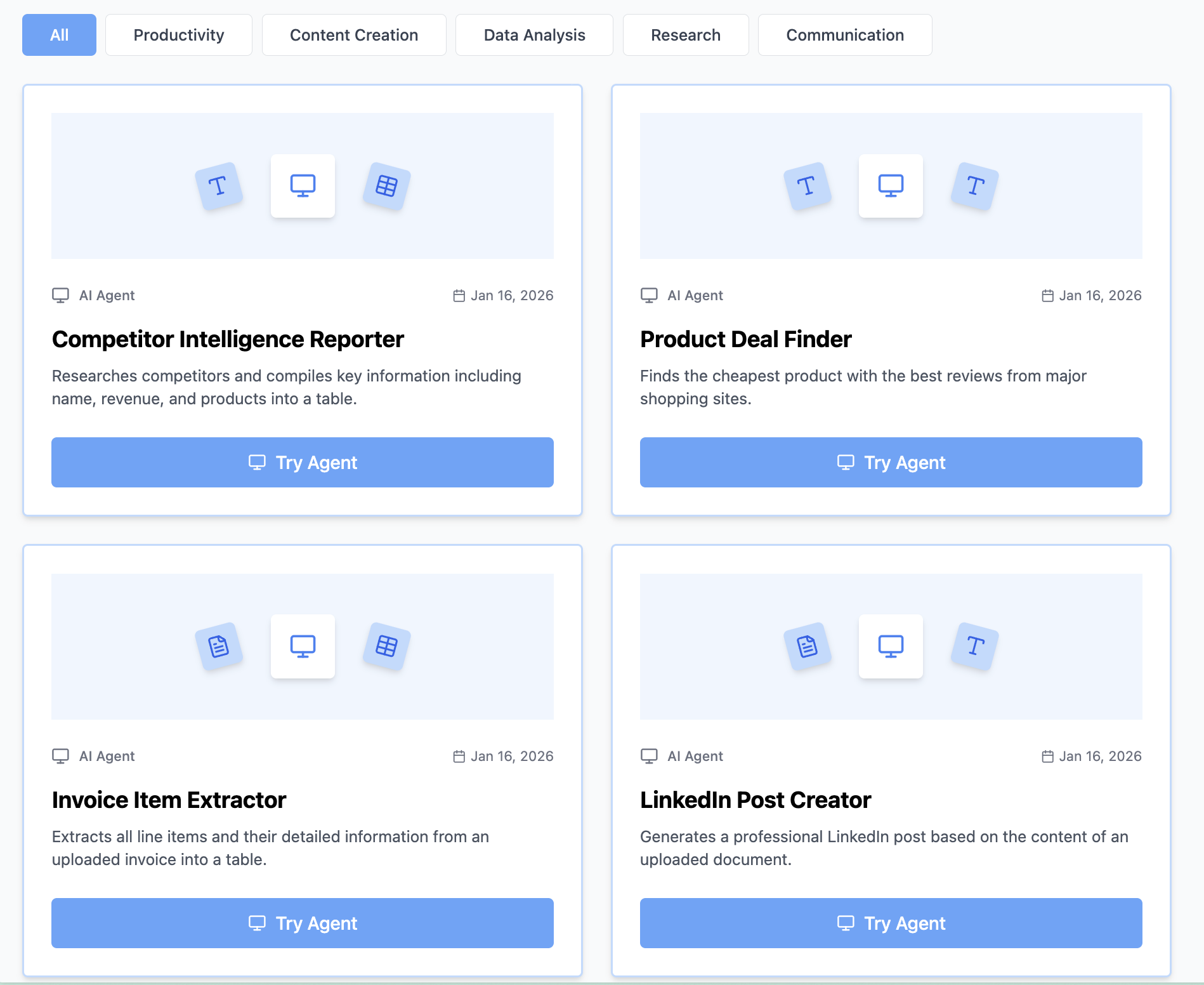
Think Miskies AI can't create the AI tool you need?
Tell us and we'll build it for you for free.
Create Your AI Tool in 3 Simple Steps
Select Your Input
Choose from docs, text, Excel, links, or any data source.
Edit the Instructions
Tweak the AI's behaviour to match your subject, grade level, or grading rubric.
Use It & Share It
Run your tool instantly and share a link with your students or colleagues.
Simple pricing, serious upgrade
Start free. Go Pro whenever you want to use more. Prices in USD.
Free
Try it out, no card needed
- Access to 100+ AI study tools
- Limited use - 5 times / day
- Create limited custom AI tools
Pro — 1 month
Full access, billed monthly
- Elevated access to all AI tools
- Create unlimited custom AI tools
- Faster generation speed
- Priority support
- Cancel anytime
Pro — 3 months
Best value for a semester
- Elevated access to all AI tools
- Create unlimited custom AI tools
- Faster generation speed
- Priority support
- Cancel anytime
Pro — 1 year
Best price per month
- Elevated access to all AI tools
- Create unlimited custom AI tools
- Faster generation speed
- Priority support
- Cancel anytime
What You Can Do With This Tool
Create case studies for sales teams showcasing client success
Generate client success stories for marketing collateral
Develop product case studies for website and brochures
Craft service transformation examples for proposals
Write B2B case studies for lead generation
Why Everyone's Using It
- Professional problem-solution-results structure
- Compelling narrative that engages readers
- Data-driven results highlighted
- Social proof that converts prospects
Frequently Asked Questions
What if I don't have exact metrics to share?
Qualitative outcomes work too — faster processes, better team morale, fewer support tickets. Mention what you do have and the generator will frame it effectively. Specific and honest beats vague and impressive.
Should I get client approval before publishing?
Yes, always — especially if you're naming the company. The generator produces a draft you can share with the client for review. Some clients prefer anonymized versions, which you can request in your input.
How long should a case study be?
600-800 words for a web page; 1,000-1,500 for a PDF download or sales enablement document. The generator targets the shorter range by default but can go longer if you specify.
Can I use it for internal case studies or retrospectives?
Yes — the same problem-solution-results structure works well for internal post-mortems, project retrospectives, and lessons-learned documents. Just note 'internal' in your input and the tone will adjust accordingly.