Free AI FAQ Generator - FAQ Tool for Websites
Create complete FAQ sections that answer customer questions before they ask. Our free AI FAQ generator anticipates common questions and provides clear, SEO-friendly answers that reduce support workload and improve conversions.
Drag & drop your file
or
PDF, Word, PowerPoint, text, or image files (max 10MB)
About Free AI FAQ Generator - Create FAQ Sections Instantly
Example: A SaaS founder is launching a new subscription product and needs a FAQ page before going live
You'd type something like: B2B project management SaaS, monthly and annual pricing tiers ($29/$49/$99), 14-day free trial, no credit card required. Integrates with Slack, Google Drive, Jira. Team sizes from 1 to 500. Data stored in US, SOC 2 compliant.
You'd get back: 12-15 FAQs covering trial and billing questions ('Do I need a credit card to start the trial?'), feature questions ('Does it integrate with Jira?'), security questions ('Where is my data stored?'), and plan comparison questions — each answer 2-3 sentences, front-loaded with the key fact.
What makes this a unique AI tool:
Questions are phrased the way customers type them into Google (improving search indexing), not the way a company would phrase them internally — so the FAQ doubles as SEO content without any extra optimization work.
100+ AI Tools for Students and Professionals
Or Create Your Own AI Tool in Seconds
How educators and students are using Miskies AI:
Aisha K: "I generated notes from a 2-hour lecture".
Tamara R: "I created a full quiz from a textbook chapter".
James R: "I got a visual breakdown of photosynthesis".
Sofia M: "I organised all my assignments in one place".
Amy P: "I turned a video documentary into lesson notes".
Aisha K: "I generated notes from a 2-hour lecture".
Tamara R: "I created a full quiz from a textbook chapter".
James R: "I got a visual breakdown of photosynthesis".
Sofia M: "I organised all my assignments in one place".
Amy P: "I turned a video documentary into lesson notes".
No code. No complexity. Just better learning.
See It in Action
It's really that easy to study with AI tools on Miskies AI.
Building an AI tool to review an uploaded resume based on your knowledge.
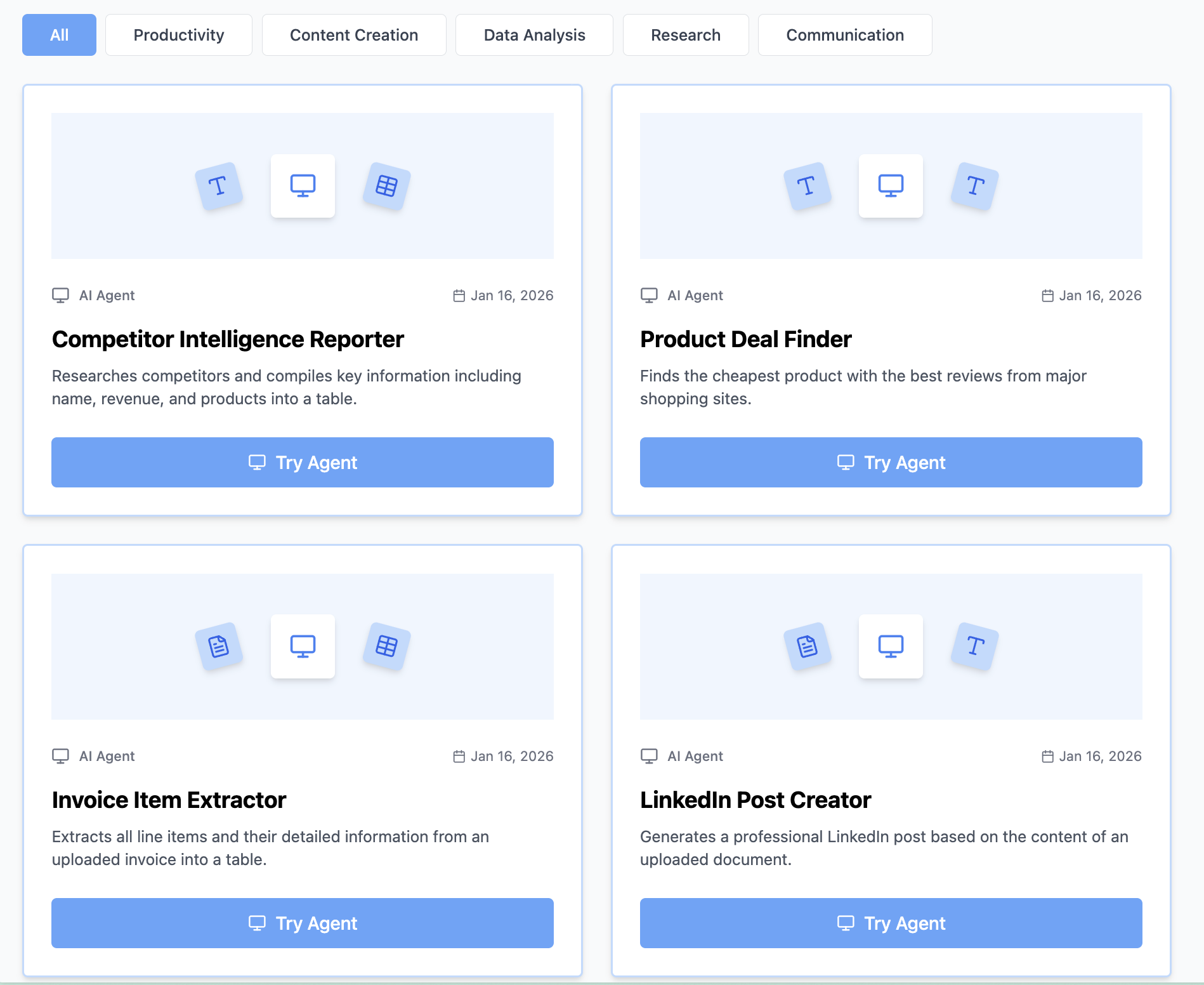
Think Miskies AI can't create the AI tool you need?
Tell us and we'll build it for you for free.
Create Your AI Tool in 3 Simple Steps
Select Your Input
Choose from docs, text, Excel, links, or any data source.
Edit the Instructions
Tweak the AI's behaviour to match your subject, grade level, or grading rubric.
Use It & Share It
Run your tool instantly and share a link with your students or colleagues.
Simple pricing, serious upgrade
Start free. Go Pro whenever you want to use more. Prices in USD.
Free
Try it out, no card needed
- Access to 100+ AI study tools
- Limited use - 5 times / day
- Create limited custom AI tools
Pro — 1 month
Full access, billed monthly
- Elevated access to all AI tools
- Create unlimited custom AI tools
- Faster generation speed
- Priority support
- Cancel anytime
Pro — 3 months
Best value for a semester
- Elevated access to all AI tools
- Create unlimited custom AI tools
- Faster generation speed
- Priority support
- Cancel anytime
Pro — 1 year
Best price per month
- Elevated access to all AI tools
- Create unlimited custom AI tools
- Faster generation speed
- Priority support
- Cancel anytime
What You Can Do With This Tool
Create FAQ sections for product pages
Generate website FAQ content for customer support
Develop SaaS FAQ for reducing support tickets
Write technical FAQ for software documentation
Build onboarding FAQ for new user questions
Why Everyone's Using It
- 100% free FAQ generator - no signup required
- AI creates comprehensive FAQ sections instantly
- Anticipates common customer questions automatically
- SEO-optimized question and answer formatting
- Reduces customer support ticket volume
Frequently Asked Questions
How many questions should a FAQ section have?
10-15 is the practical range for most product pages. Fewer than 8 feels thin; more than 20 becomes overwhelming. The generator targets this range and prioritizes the questions most likely to affect purchase decisions.
Will the questions be phrased the way customers actually search?
Yes — the generator deliberately phrases questions in natural language ('How do I cancel my subscription?' not 'What is the cancellation process?') which both reads better and ranks better in search.
Can I generate FAQs for a specific page type — like a checkout or pricing page?
Yes — mention the page context in your input (e.g. 'for a pricing page' or 'for checkout') and the questions will be focused on the specific concerns visitors have at that stage of the funnel.
Can the FAQ be used for structured data (schema markup)?
The markdown output maps directly to FAQ schema structure. Your developer can add the JSON-LD schema markup around the generated Q&A pairs to enable rich results in Google search.