AI Pyramid Chart Generator - Text to Pyramid Diagram
Transform hierarchies, priorities, and frameworks into clear pyramid diagrams. Ideal for showing levels, rankings, and progressive structures.
Drag & drop your file
or
PDF, Word, PowerPoint, text, or image files (max 10MB)
About Create Pyramid Diagram from Text using AI
Example: Building Maslow's hierarchy of needs
You'd type something like: "Foundation: physiological needs (food, sleep, breathing). Second: safety needs (security, stability). Third: belonging (family, friendship). Fourth: esteem (respect, recognition). Top: self-actualization (potential, fulfillment)."
You'd get back: a five-tier pyramid with physiological needs at the base, each layer representing the next stage of needs, with self-actualization as the apex.
What makes this a unique AI tool:
Automatically layering content by priority or hierarchy—top items are foundational or highest priority, with supporting details layering below.
100+ AI Tools for Students and Professionals
Or Create Your Own AI Tool in Seconds
How educators and students are using Miskies AI:
Aisha K: "I generated notes from a 2-hour lecture".
Tamara R: "I created a full quiz from a textbook chapter".
James R: "I got a visual breakdown of photosynthesis".
Sofia M: "I organised all my assignments in one place".
Amy P: "I turned a video documentary into lesson notes".
Aisha K: "I generated notes from a 2-hour lecture".
Tamara R: "I created a full quiz from a textbook chapter".
James R: "I got a visual breakdown of photosynthesis".
Sofia M: "I organised all my assignments in one place".
Amy P: "I turned a video documentary into lesson notes".
No code. No complexity. Just better learning.
See It in Action
It's really that easy to study with AI tools on Miskies AI.
Building an AI tool to review an uploaded resume based on your knowledge.
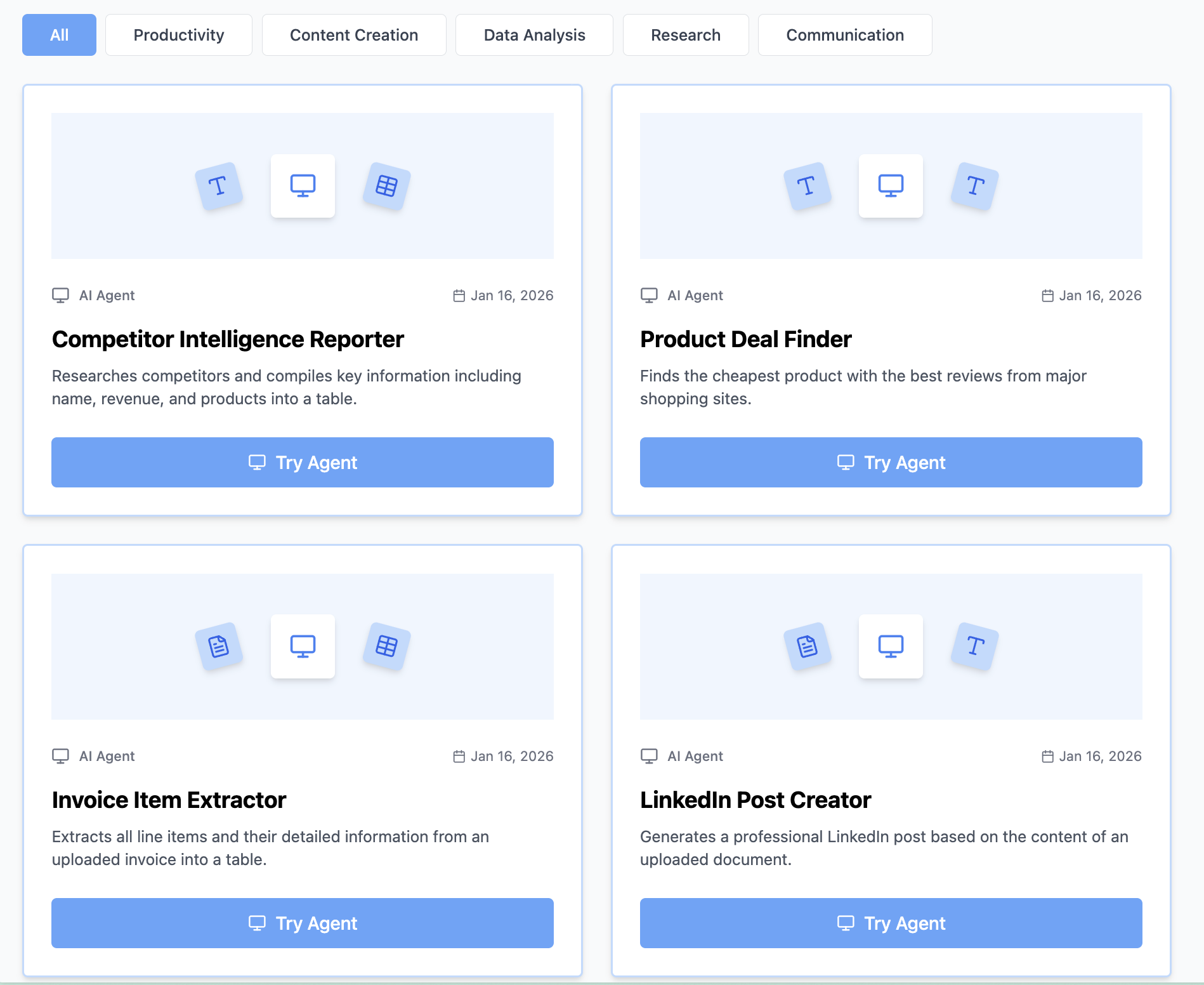
Think Miskies AI can't create the AI tool you need?
Tell us and we'll build it for you for free.
Create Your AI Tool in 3 Simple Steps
Select Your Input
Choose from docs, text, Excel, links, or any data source.
Edit the Instructions
Tweak the AI's behaviour to match your subject, grade level, or grading rubric.
Use It & Share It
Run your tool instantly and share a link with your students or colleagues.
Simple pricing, serious upgrade
Start free. Go Pro whenever you want to use more. Prices in USD.
Free
Try it out, no card needed
- Access to 100+ AI study tools
- Limited use - 5 times / day
- Create limited custom AI tools
Pro — 1 month
Full access, billed monthly
- Elevated access to all AI tools
- Create unlimited custom AI tools
- Faster generation speed
- Priority support
- Cancel anytime
Pro — 3 months
Best value for a semester
- Elevated access to all AI tools
- Create unlimited custom AI tools
- Faster generation speed
- Priority support
- Cancel anytime
Pro — 1 year
Best price per month
- Elevated access to all AI tools
- Create unlimited custom AI tools
- Faster generation speed
- Priority support
- Cancel anytime
What You Can Do With This Tool
Visualize business priority frameworks for strategic planning presentations
Create training materials showing skill progression and mastery levels
Document organizational hierarchies for employee handbooks
Present marketing funnel stages from awareness to conversion
Illustrate product feature priorities from must-have to nice-to-have
Why Everyone's Using It
- Perfect for hierarchies and priority frameworks
- Shows clear progression from top to bottom
- Great for presenting strategies and structures
- Automatically formats your content
Frequently Asked Questions
How many layers can I have?
Pyramids work best with 3–5 layers. More than that becomes hard to read—consider a different visualization.
Does the order matter?
Yes, usually the base represents foundation or lowest priority, building up to the most important at the top.
Can I use this for organizational structure?
Yes, though org charts are often better. Pyramids work well when showing hierarchy by authority or scope.
What about inverted pyramids?
You can describe an inverted structure and the generator will create it—useful for showing importance or resource allocation in reverse.