Free AI Video Script Generator - Script to Video Made Easy
Generate professional video scripts for marketing videos, explainers, and social media content. Our free AI script generator creates production-ready scripts with scene descriptions, voiceover, and timing notes.
Drag & drop your file
or
PDF, Word, PowerPoint, text, or image files (max 10MB)
About Free AI Video Script Generator - Script to Video Tool
Example: Creating a product demo video for SaaS
You'd type something like: "Intro: "Let me show you how [Product] saves you 5 hours weekly." Demo 1: Show dashboard overview (30s). Demo 2: Create a project from scratch (1min). Demo 3: Show automation features (45s). Outro: CTA for free trial."
You'd get back: a structured demo script with clear sections for introduction, three discrete product feature demos with timing, and a conversion-focused CTA.
What makes this a unique AI tool:
Adapts script structure based on video type—explainers have different pacing than testimonials, which differ from product demos.
100+ AI Tools for Students and Professionals
Or Create Your Own AI Tool in Seconds
How educators and students are using Miskies AI:
Aisha K: "I generated notes from a 2-hour lecture".
Tamara R: "I created a full quiz from a textbook chapter".
James R: "I got a visual breakdown of photosynthesis".
Sofia M: "I organised all my assignments in one place".
Amy P: "I turned a video documentary into lesson notes".
Aisha K: "I generated notes from a 2-hour lecture".
Tamara R: "I created a full quiz from a textbook chapter".
James R: "I got a visual breakdown of photosynthesis".
Sofia M: "I organised all my assignments in one place".
Amy P: "I turned a video documentary into lesson notes".
No code. No complexity. Just better learning.
See It in Action
It's really that easy to study with AI tools on Miskies AI.
Building an AI tool to review an uploaded resume based on your knowledge.
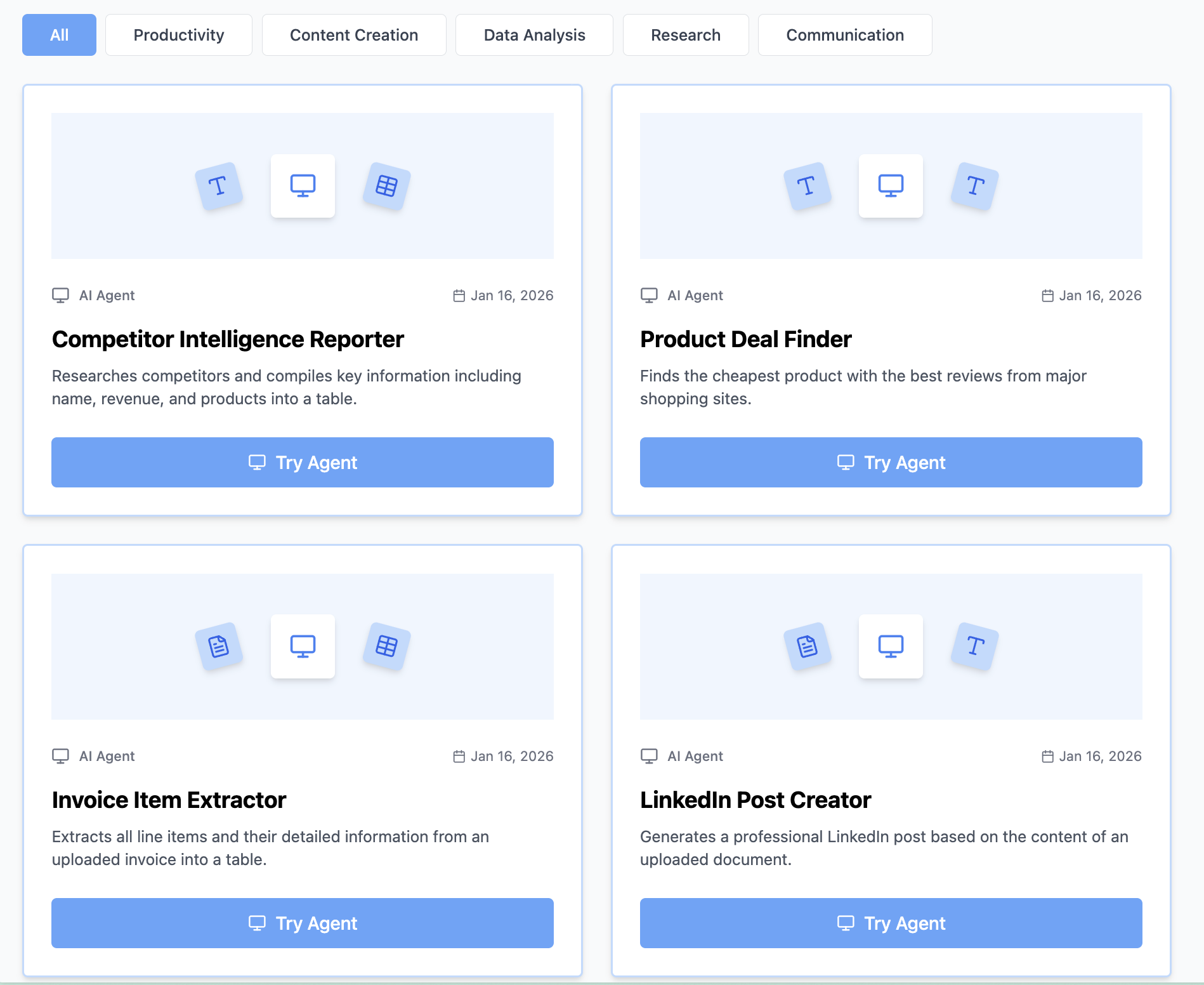
Think Miskies AI can't create the AI tool you need?
Tell us and we'll build it for you for free.
Create Your AI Tool in 3 Simple Steps
Select Your Input
Choose from docs, text, Excel, links, or any data source.
Edit the Instructions
Tweak the AI's behaviour to match your subject, grade level, or grading rubric.
Use It & Share It
Run your tool instantly and share a link with your students or colleagues.
Simple pricing, serious upgrade
Start free. Go Pro whenever you want to use more. Prices in USD.
Free
Try it out, no card needed
- Access to 100+ AI study tools
- Limited use - 5 times / day
- Create limited custom AI tools
Pro — 1 month
Full access, billed monthly
- Elevated access to all AI tools
- Create unlimited custom AI tools
- Faster generation speed
- Priority support
- Cancel anytime
Pro — 3 months
Best value for a semester
- Elevated access to all AI tools
- Create unlimited custom AI tools
- Faster generation speed
- Priority support
- Cancel anytime
Pro — 1 year
Best price per month
- Elevated access to all AI tools
- Create unlimited custom AI tools
- Faster generation speed
- Priority support
- Cancel anytime
What You Can Do With This Tool
Create marketing video scripts for campaigns
Generate explainer video scripts for products
Write commercial scripts for advertisements
Develop training video scripts for onboarding
Craft promotional scripts for crowdfunding
Why Everyone's Using It
- 100% free video script generator
- AI creates script to video content instantly
- Professional formatting with scene breakdowns
- Includes visual and audio cues
- Optimized pacing and timing for engagement
Frequently Asked Questions
How long should my product demo video be?
2–3 minutes is ideal for product demos. Longer loses attention, shorter doesn't explain enough detail.
Should I do multiple takes?
Yes—do 3–5 takes. You'll naturally sound more confident on later takes. Pick the best or edit together the best sections.
Can I use screen recording with this script?
Yes—the timing marks help you know when to click, what to show, and when to speak over the screen.
What if I make a mistake while recording?
Keep going, finish the sentence, and re-record. Edit it together in post. Scripts give you the exact take points to hit.