Free AI Brainstorming Mind Map Generator
Capture every idea from your brainstorming sessions and instantly transform them into a structured visual mind map. Great for teams, students, and solo thinkers who want to organize creative ideas fast.
Drag & drop your file
or
PDF, Word, PowerPoint, text, or image files (max 10MB)
About Free AI Brainstorming Mind Map Generator - Visualize Ideas Instantly
Example: Planning a product launch
You'd type something like: "Need a website, social media presence, press release, target email list, video demo, influencer outreach, launch event, Discord community, product tutorials, FAQ page"
You'd get back: a mind map organized into categories: Marketing (social media, press release, influencers), Launch (event, timing), Community (Discord, tutorials), and Content (website, video, FAQ).
What makes this a unique AI tool:
Tolerates messy, unstructured input—no need to pre-organize your thoughts. The AI finds connections and groups related ideas automatically.
100+ AI Tools for Students and Professionals
Or Create Your Own AI Tool in Seconds
How educators and students are using Miskies AI:
Aisha K: "I generated notes from a 2-hour lecture".
Tamara R: "I created a full quiz from a textbook chapter".
James R: "I got a visual breakdown of photosynthesis".
Sofia M: "I organised all my assignments in one place".
Amy P: "I turned a video documentary into lesson notes".
Aisha K: "I generated notes from a 2-hour lecture".
Tamara R: "I created a full quiz from a textbook chapter".
James R: "I got a visual breakdown of photosynthesis".
Sofia M: "I organised all my assignments in one place".
Amy P: "I turned a video documentary into lesson notes".
No code. No complexity. Just better learning.
See It in Action
It's really that easy to study with AI tools on Miskies AI.
Building an AI tool to review an uploaded resume based on your knowledge.
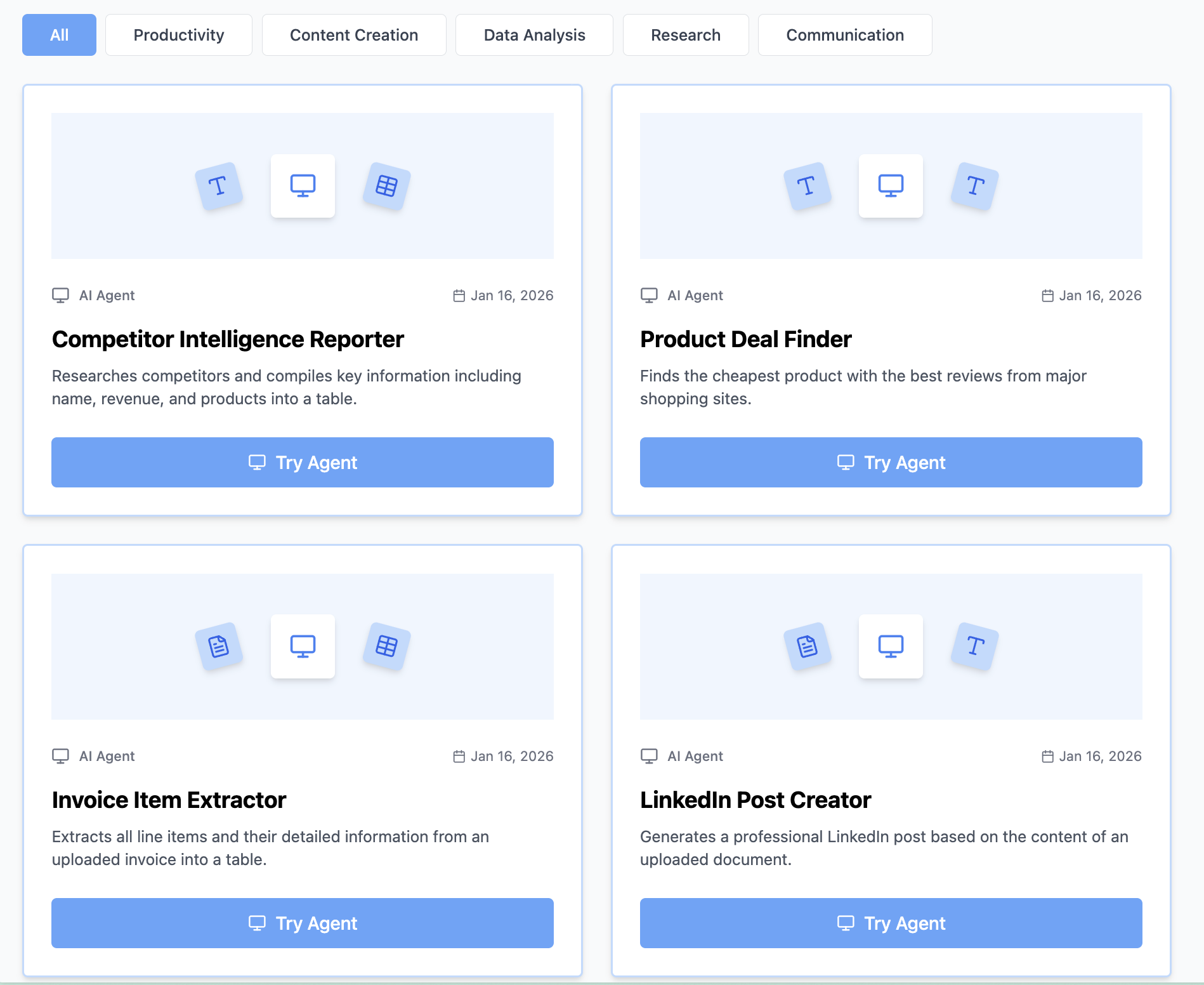
Think Miskies AI can't create the AI tool you need?
Tell us and we'll build it for you for free.
Create Your AI Tool in 3 Simple Steps
Select Your Input
Choose from docs, text, Excel, links, or any data source.
Edit the Instructions
Tweak the AI's behaviour to match your subject, grade level, or grading rubric.
Use It & Share It
Run your tool instantly and share a link with your students or colleagues.
Simple pricing, serious upgrade
Start free. Go Pro whenever you want to use more. Prices in USD.
Free
Try it out, no card needed
- Access to 100+ AI study tools
- Limited use - 5 times / day
- Create limited custom AI tools
Pro — 1 month
Full access, billed monthly
- Elevated access to all AI tools
- Create unlimited custom AI tools
- Faster generation speed
- Priority support
- Cancel anytime
Pro — 3 months
Best value for a semester
- Elevated access to all AI tools
- Create unlimited custom AI tools
- Faster generation speed
- Priority support
- Cancel anytime
Pro — 1 year
Best price per month
- Elevated access to all AI tools
- Create unlimited custom AI tools
- Faster generation speed
- Priority support
- Cancel anytime
What You Can Do With This Tool
Organize brainstorming session output into a visual map
Help teams align on ideas after a meeting
Turn random ideas into structured concept maps
Visualize creative possibilities for a project
Generate a mind map to present brainstorm results
Why Everyone's Using It
- Instantly structure messy brainstorm notes
- Free AI brainstorm mind map - no signup needed
- Spark new connections between ideas visually
- Great for team meetings and solo ideation
- Export-ready mind maps in seconds
Frequently Asked Questions
Do I need to organize my ideas before input?
No—that's the point. Feed it raw brainstorm notes and the AI finds the natural groupings.
What if my brainstorm is really scattered?
The more unstructured it is, the more the AI helps. It's designed to extract themes from messy input.
Can I add my own categories after generation?
Yes, you can refine and reorganize the mind map after generating it using standard mind-mapping tools.
Is this good for team brainstorming?
Perfect—compile everyone's ideas into one text, and the generator will synthesize and organize the collective input.