Free Text to Mind Map Generator - AI Mind Map Maker
Convert your ideas, notes, and concepts into clear mind maps instantly. Our free AI mind map generator automatically organizes your thoughts into visual diagrams—perfect for brainstorming, studying, and planning.
Drag & drop your file
or
PDF, Word, PowerPoint, text, or image files (max 10MB)
About Free AI Mind Map Generator - Text to Mind Map Instantly
Example: Breaking down a company marketing strategy
You'd type something like: "Marketing strategy has three pillars: brand awareness through content marketing and social media, customer acquisition via paid ads and partnerships, and retention through email campaigns and loyalty programs."
You'd get back: a mind map with "Marketing Strategy" at the center, three main branches for each pillar, and sub-branches showing specific tactics and channels.
What makes this a unique AI tool:
Converts free-form text into hierarchical mind maps without requiring manual node placement—the AI handles structure while you focus on content.
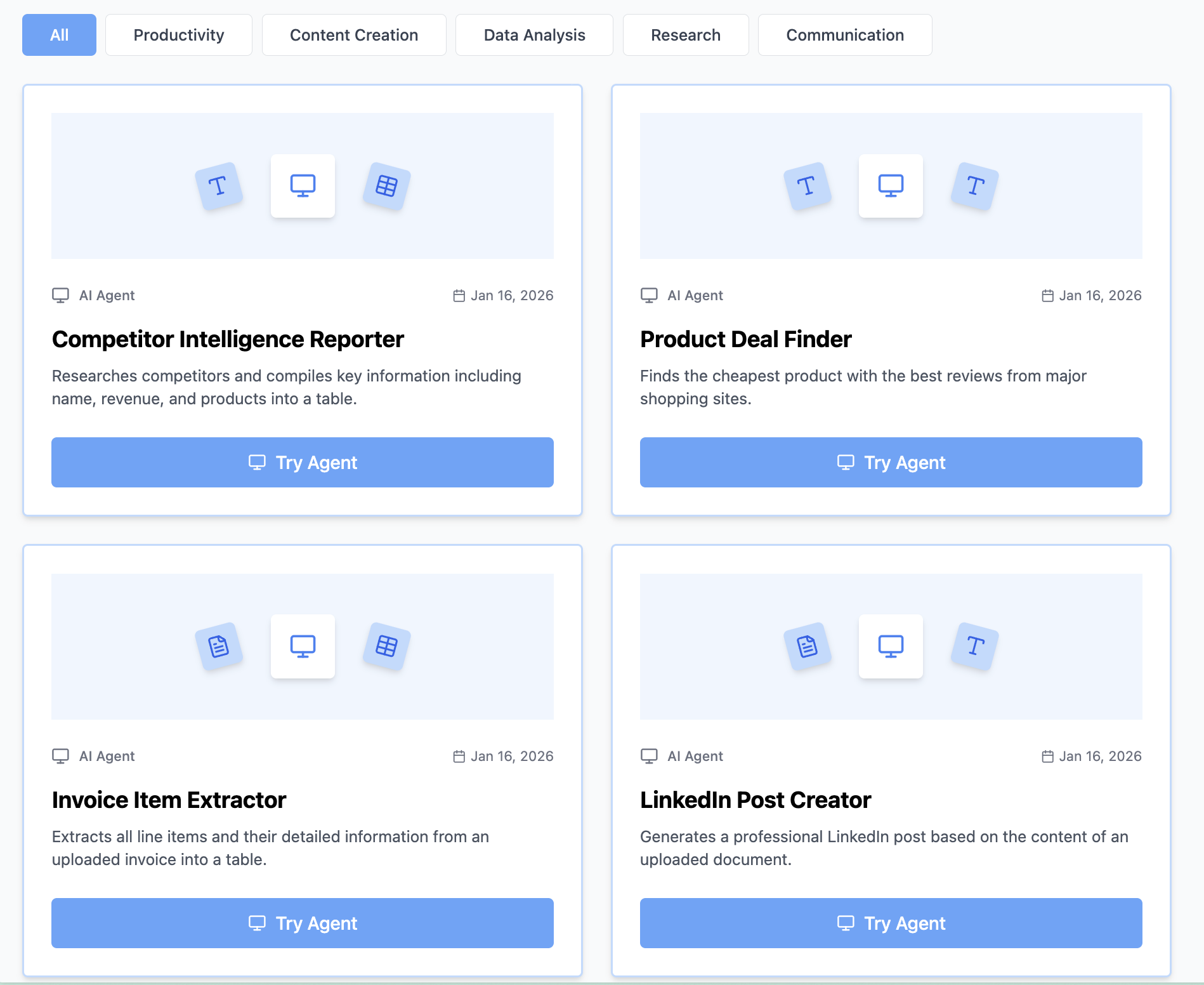
100+ AI Tools for Students and Professionals
Or Create Your Own AI Tool in Seconds
How educators and students are using Miskies AI:
Aisha K: "I generated notes from a 2-hour lecture".
Tamara R: "I created a full quiz from a textbook chapter".
James R: "I got a visual breakdown of photosynthesis".
Sofia M: "I organised all my assignments in one place".
Amy P: "I turned a video documentary into lesson notes".
Aisha K: "I generated notes from a 2-hour lecture".
Tamara R: "I created a full quiz from a textbook chapter".
James R: "I got a visual breakdown of photosynthesis".
Sofia M: "I organised all my assignments in one place".
Amy P: "I turned a video documentary into lesson notes".
No code. No complexity. Just better learning.
See It in Action
It's really that easy to study with AI tools on Miskies AI.
Building an AI tool to review an uploaded resume based on your knowledge.
Think Miskies AI can't create the AI tool you need?
Tell us and we'll build it for you for free.
Create Your AI Tool in 3 Simple Steps
Select Your Input
Choose from docs, text, Excel, links, or any data source.
Edit the Instructions
Tweak the AI's behaviour to match your subject, grade level, or grading rubric.
Use It & Share It
Run your tool instantly and share a link with your students or colleagues.
Simple pricing, serious upgrade
Start free. Go Pro whenever you want to use more. Prices in USD.
Free
Try it out, no card needed
- Access to 100+ AI study tools
- Limited use - 5 times / day
- Create limited custom AI tools
Pro — 1 month
Full access, billed monthly
- Elevated access to all AI tools
- Create unlimited custom AI tools
- Faster generation speed
- Priority support
- Cancel anytime
Pro — 3 months
Best value for a semester
- Elevated access to all AI tools
- Create unlimited custom AI tools
- Faster generation speed
- Priority support
- Cancel anytime
Pro — 1 year
Best price per month
- Elevated access to all AI tools
- Create unlimited custom AI tools
- Faster generation speed
- Priority support
- Cancel anytime
What You Can Do With This Tool
Convert text notes to visual mind maps for studying
Create brainstorm mind maps for meetings and ideation
Organize research topics and concepts visually
Generate project planning maps from descriptions
Transform lecture notes into mind map diagrams
Why Everyone's Using It
- 100% free mind map generator - no signup required
- AI-powered text to mindmap conversion
- Perfect for brainstorming and organizing ideas
- Visualize concept relationships automatically
- Great for note-taking, studying, and planning
Frequently Asked Questions
How many levels deep can a mind map go?
Mind maps work best with 3–4 levels of hierarchy. Deeper maps become hard to read, so consider splitting into separate mind maps for complex topics.
Can I use this for studying and test prep?
Yes—mind maps are excellent for memorization and organizing study material, especially for visual learners.
Is this better than outlining?
Mind maps excel at showing relationships between ideas visually. Outlines work better for sequential, hierarchical information.
Can I edit the mind map after generating it?
Yes, the output is in a standard format that you can import into mind-mapping software for further customization.
Looking for something slightly different?
Free AI Brainstorming Mind Map Generator - Visualize Ideas Instantly
Dump all your ideas into text and let AI organize them into a visual mind map. This tool captures the chaos of brainstorming and transforms it into clear, connected thinking.
Free AI Study Notes Mind Map Generator - Learn Faster with Visual Maps
Convert lecture notes and textbooks into visual study mind maps. Ideal for exam prep—organize concepts hierarchically so you remember relationships and key details.