Free AI Tree Diagram Generator - Hierarchy Visualization
Generate tree diagrams showing hierarchical structures from simple text descriptions. Perfect for organizational charts, taxonomies, decision trees, and any hierarchical relationships.
Drag & drop your file
or
PDF, Word, PowerPoint, text, or image files (max 10MB)
About Free AI Tree Diagram Generator - Text to Tree Chart
Example: Content strategist mapping site navigation structure
You'd type something like: Homepage splits to Products, Company, Support. Products branches to SaaS, Enterprise, Open Source.
You'd get back: Multi-level tree with Homepage at root, three main branches, and sub-branches showing complete site architecture.
What makes this a unique AI tool:
Automatically structures text input into clean hierarchical branches, supporting multiple levels and flexible layouts.
100+ AI Tools for Students and Professionals
Or Create Your Own AI Tool in Seconds
How educators and students are using Miskies AI:
Aisha K: "I generated notes from a 2-hour lecture".
Tamara R: "I created a full quiz from a textbook chapter".
James R: "I got a visual breakdown of photosynthesis".
Sofia M: "I organised all my assignments in one place".
Amy P: "I turned a video documentary into lesson notes".
Aisha K: "I generated notes from a 2-hour lecture".
Tamara R: "I created a full quiz from a textbook chapter".
James R: "I got a visual breakdown of photosynthesis".
Sofia M: "I organised all my assignments in one place".
Amy P: "I turned a video documentary into lesson notes".
No code. No complexity. Just better learning.
See It in Action
It's really that easy to study with AI tools on Miskies AI.
Building an AI tool to review an uploaded resume based on your knowledge.
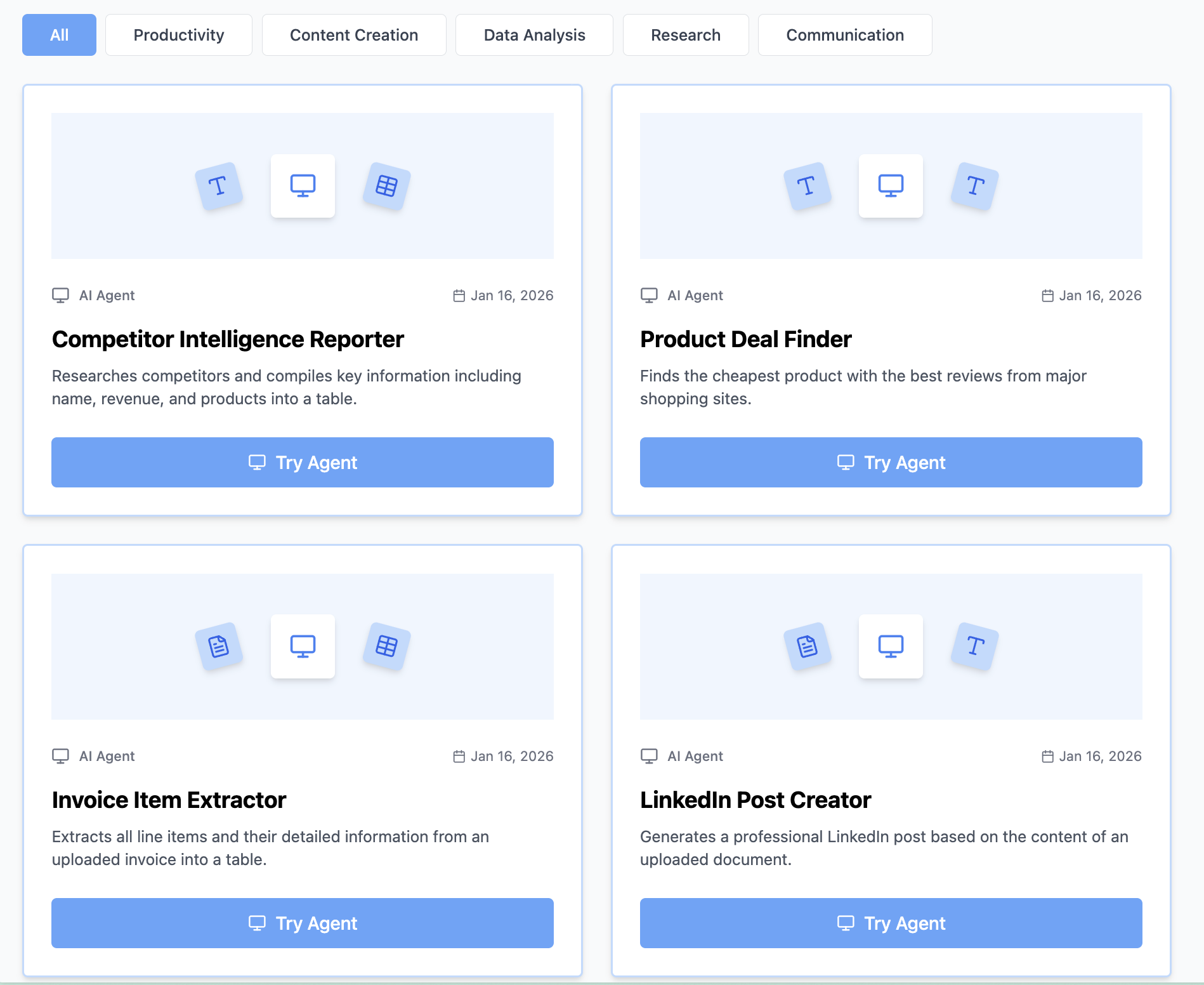
Think Miskies AI can't create the AI tool you need?
Tell us and we'll build it for you for free.
Create Your AI Tool in 3 Simple Steps
Select Your Input
Choose from docs, text, Excel, links, or any data source.
Edit the Instructions
Tweak the AI's behaviour to match your subject, grade level, or grading rubric.
Use It & Share It
Run your tool instantly and share a link with your students or colleagues.
Simple pricing, serious upgrade
Start free. Go Pro whenever you want to use more. Prices in USD.
Free
Try it out, no card needed
- Access to 100+ AI study tools
- Limited use - 5 times / day
- Create limited custom AI tools
Pro — 1 month
Full access, billed monthly
- Elevated access to all AI tools
- Create unlimited custom AI tools
- Faster generation speed
- Priority support
- Cancel anytime
Pro — 3 months
Best value for a semester
- Elevated access to all AI tools
- Create unlimited custom AI tools
- Faster generation speed
- Priority support
- Cancel anytime
Pro — 1 year
Best price per month
- Elevated access to all AI tools
- Create unlimited custom AI tools
- Faster generation speed
- Priority support
- Cancel anytime
What You Can Do With This Tool
Create organizational charts from text descriptions
Generate product taxonomy tree diagrams
Visualize decision trees for troubleshooting
Map reporting structures for HR documentation
Build information hierarchies for navigation
Why Everyone's Using It
- 100% free tree diagram generator
- AI converts text to tree chart automatically
- Perfect for organizational hierarchies and structures
- Clear parent-child relationships visualization
- Top-down hierarchy display
Frequently Asked Questions
When should I use a tree instead of a mind map?
Use trees for strict hierarchies (org charts, taxonomies) where there's one clear parent per node. Mind maps are better for brainstorming where ideas radiate from a center.
How many levels deep can my tree be?
Trees work best with 3–4 levels. Beyond that, they become unwieldy. If you need more levels, consider breaking into multiple trees or using flowcharts.
Can I create organizational charts with this?
Yes—trees are ideal for org charts. Include titles, departments, and reporting relationships. Clearly show parent-child connections.
How is this different from a flowchart?
Trees show pure hierarchy with no branching logic. Flowcharts include decisions, alternate paths, and feedback loops. Choose trees for structure, flowcharts for processes.